Latency Framework
Low Latency Stack For Competitive FPS (2026)
A practical full-stack latency workflow for players who want cleaner reactions without breaking visual consistency.
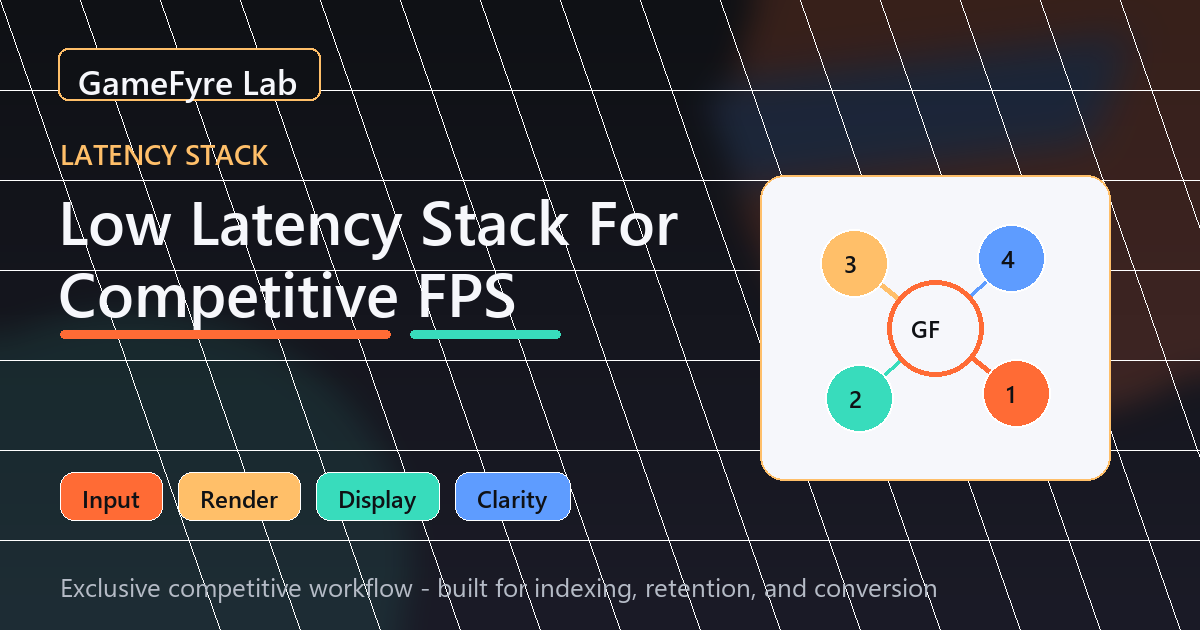
Low latency is not one toggle. It is the combined behavior of input, rendering, frame pacing, and display response. This page gives you a practical stack that is easy to test and safe to maintain.
Input Layer
Start with the input device because it is the first signal in the chain. Keep polling rate stable, remove unstable wireless conditions, and avoid changing DPI every week.
Higher polling can help some setups, but only if the PC handles it smoothly. If high polling creates CPU spikes or unstable battery behavior, a stable lower setting can feel better.
- Use one DPI and one polling profile for a full week.
- Place the receiver close to the mouse if wireless.
- Keep mousepad surface clean and consistent.
- Do not test a new mouse and new sensitivity together.
Render Layer
The render layer is where most fake optimization happens. Focus on stable frame delivery first: frame cap, Reflex or equivalent latency mode, and a graphics preset that holds 1% lows.
If average FPS looks high but fights feel delayed, your frame-time consistency is probably the issue.
- Cap FPS at a value your system can hold in fights.
- Turn off visual effects that cause frame spikes.
- Use upscaling only if clarity stays readable.
- Measure the same scenario before and after each change.
Display Layer
Refresh rate is useful only when the PC feeds the display consistently. A clean 240Hz experience often beats a noisy higher-refresh setup with unstable pacing.
Upgrade the display when your baseline FPS proves the panel can be used properly.
Recommended Next Action
The best low-latency stack is boring in the right way: stable inputs, stable frames, and stable display behavior across many sessions.
Recommended Gear Shortcuts