Budget Upgrade Map
Best FPS Upgrade Path By Budget (2026)
A ranked-impact buying map for players who want to spend in the right order instead of chasing random gear.
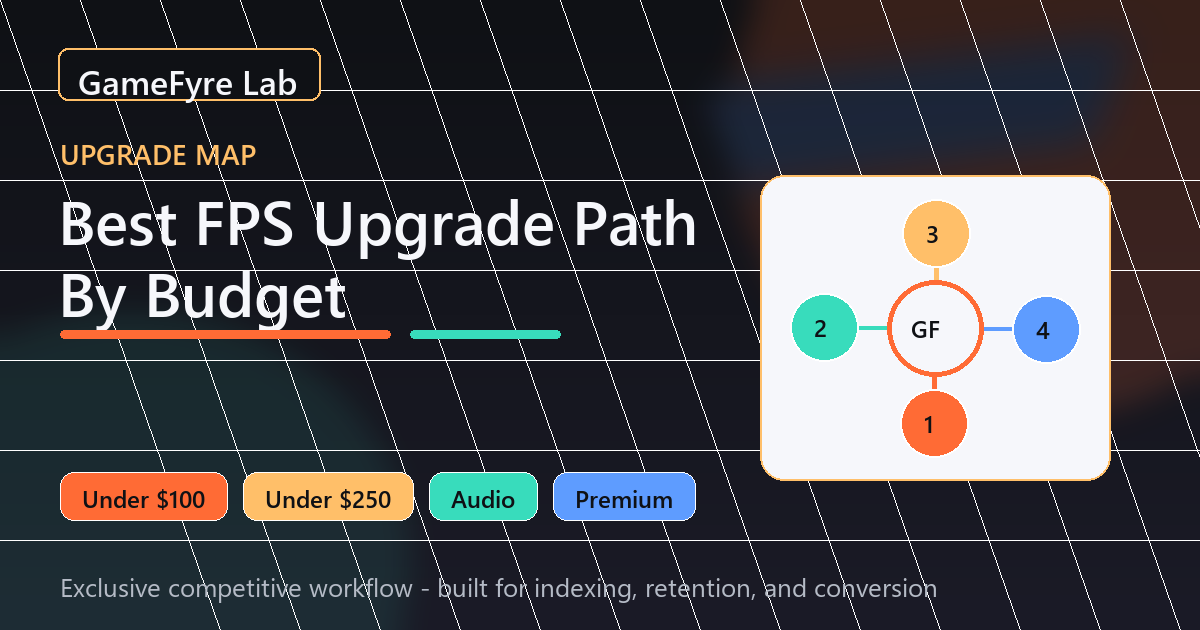
Budget Upgrade Map
A ranked-impact buying map for players who want to spend in the right order instead of chasing random gear.
Core Picks
Start with a reliable value mouse or pad if aim correction is the biggest problem.
Move to a 240Hz value monitor when display smoothness is the main bottleneck.
Prioritize audio if directional reads and comm clarity cost repeated rounds.
Rapid-trigger keyboards become valuable when movement timing is already a clear priority.
| Model | Best Fit | Profile | Value Tier |
|---|---|---|---|
| Mouse or mousepad | Lowest spend | Aim correction | First budget check |
| 240Hz monitor | Mid spend | Motion clarity | High impact |
| Footsteps headset | Audio weakness | Information clarity | Game dependent |
| Rapid trigger keyboard | Premium movement | Timing refinement | Advanced |
Start each budget tier by asking one question: what problem repeats in real matches? If you keep losing visual tracking, do not buy a keyboard first. If you miss because shape is uncomfortable, do not buy a monitor first.
Do not upgrade during a tilt streak, immediately after changing settings, or while your PC is unstable. Bad data creates bad purchases.
After buying, test the new item in isolation for a week. A good upgrade reduces repeated errors without forcing constant compensation.
Buy the item tied to your repeated match failure: display clarity, aim correction, audio reads, or movement timing.
It can be if you are below 240Hz and your PC can sustain high FPS.
No. Premium gear is most useful when it refines an already stable routine.
Related